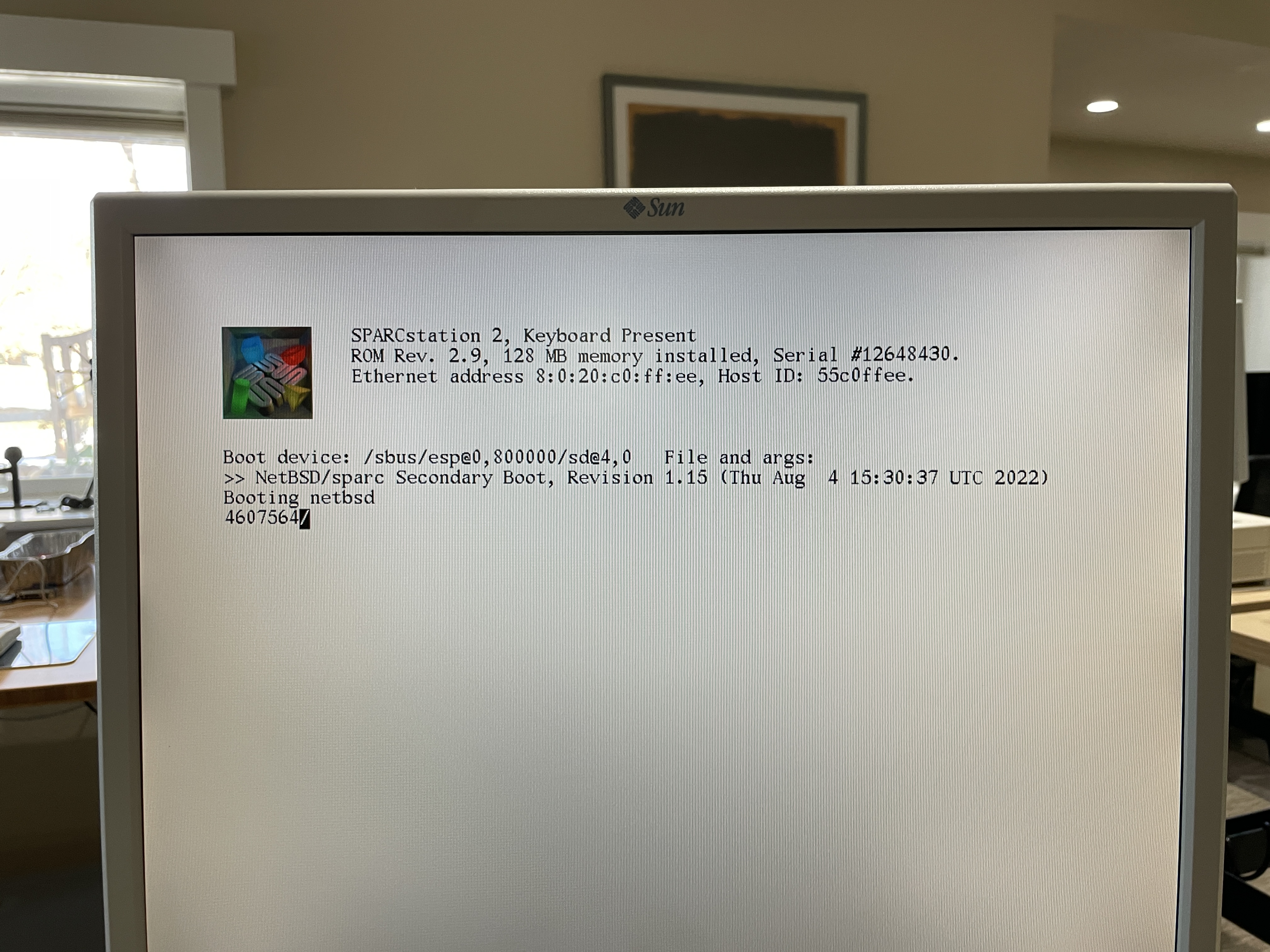
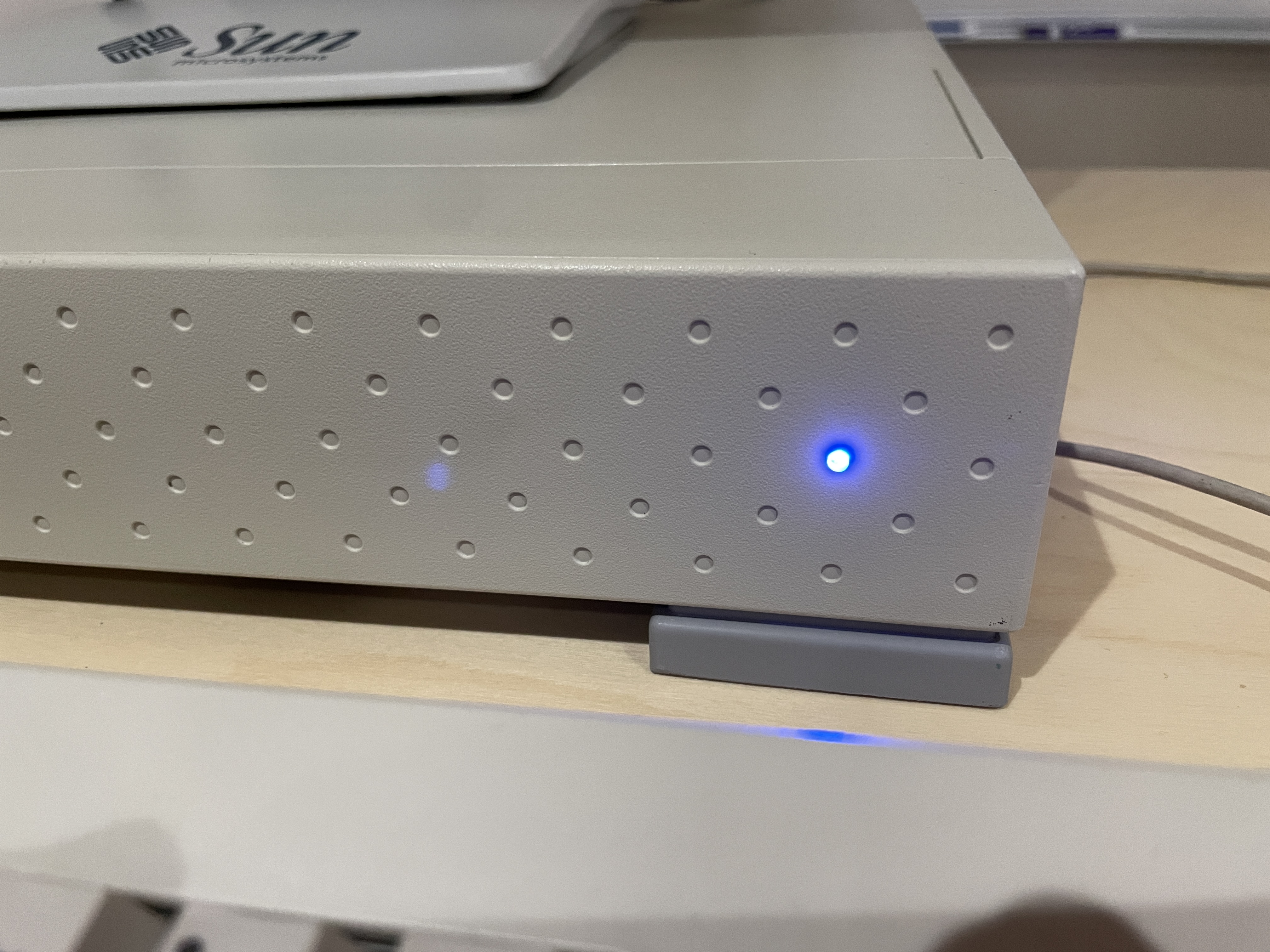
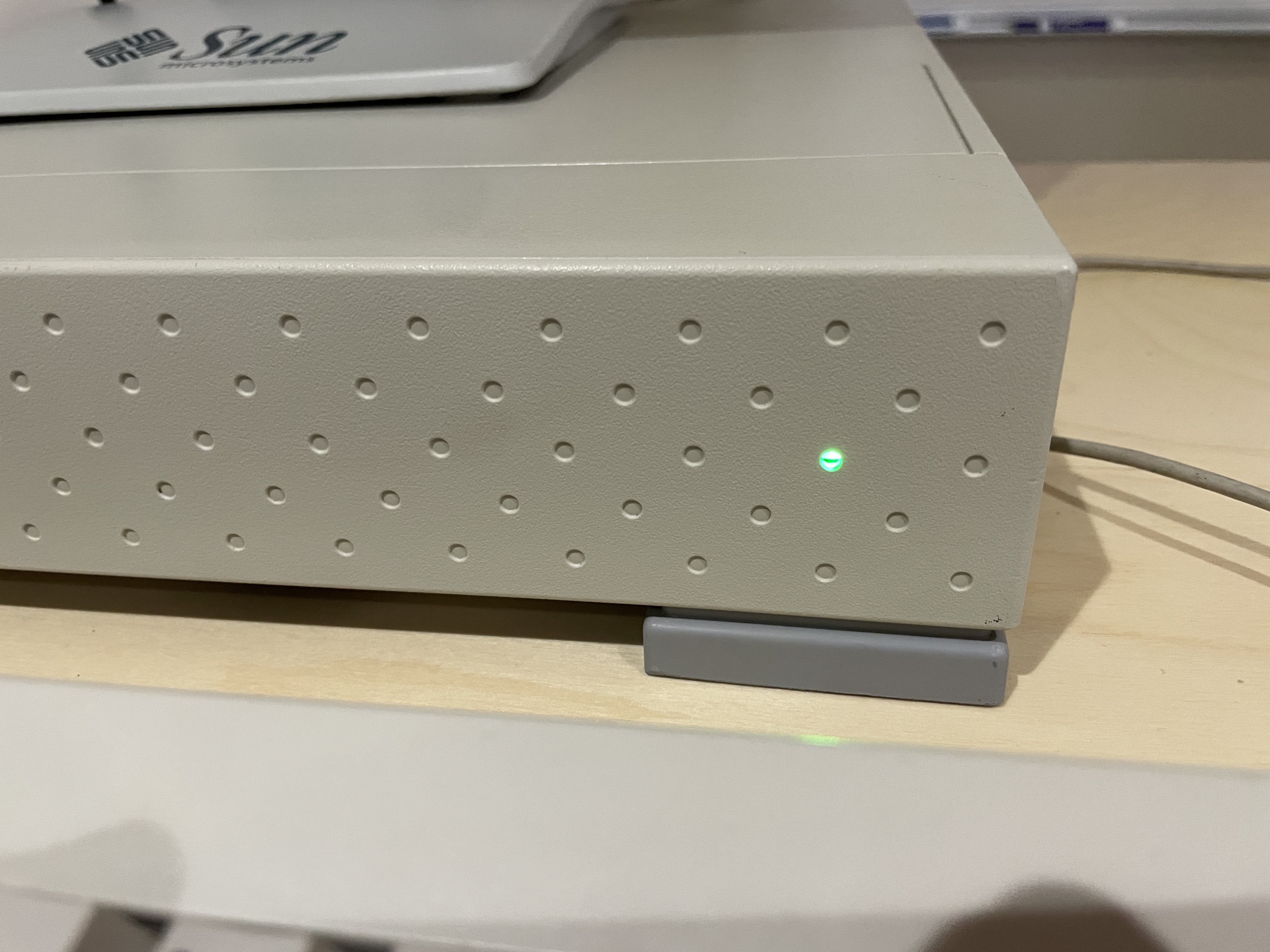
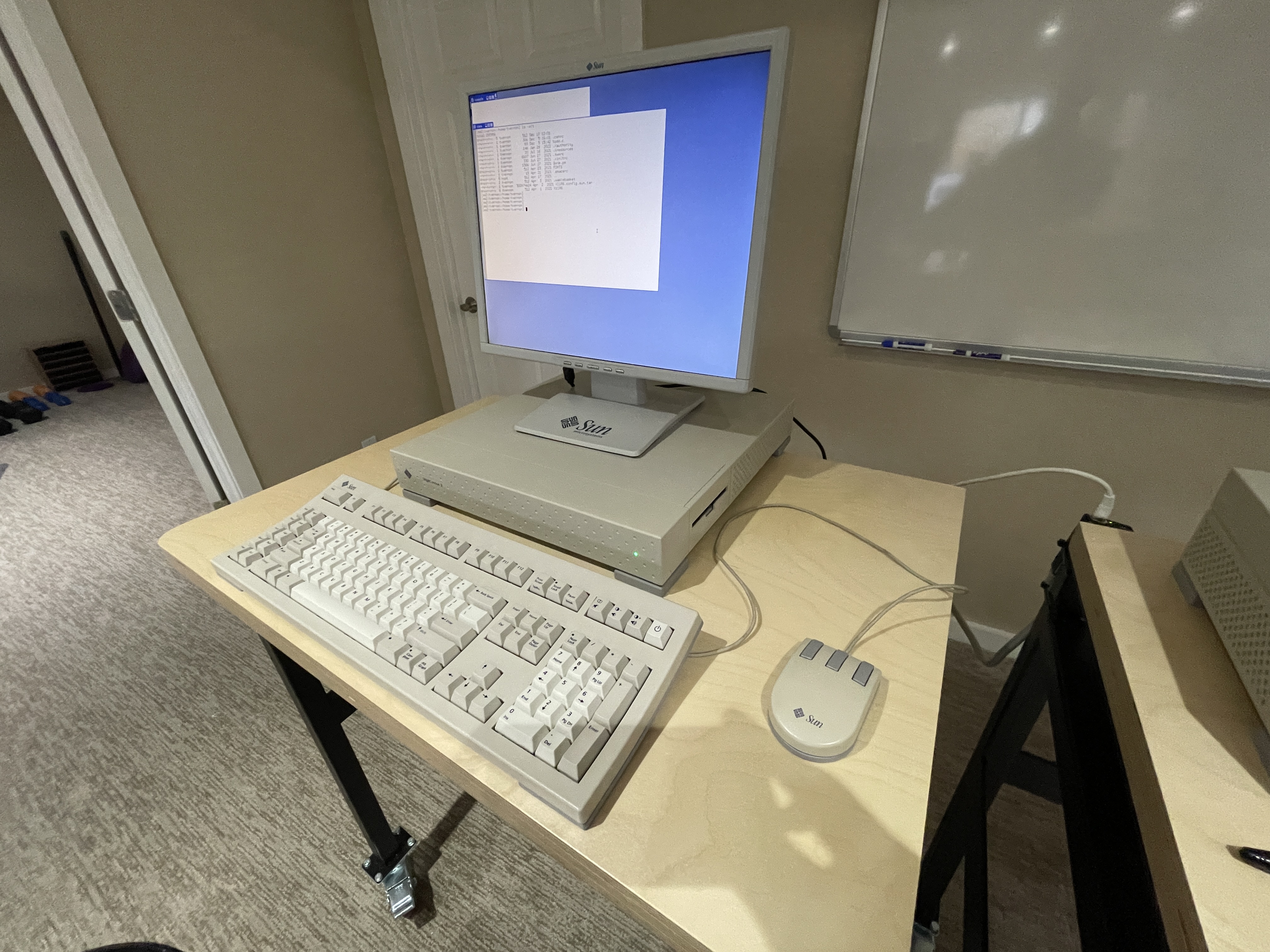
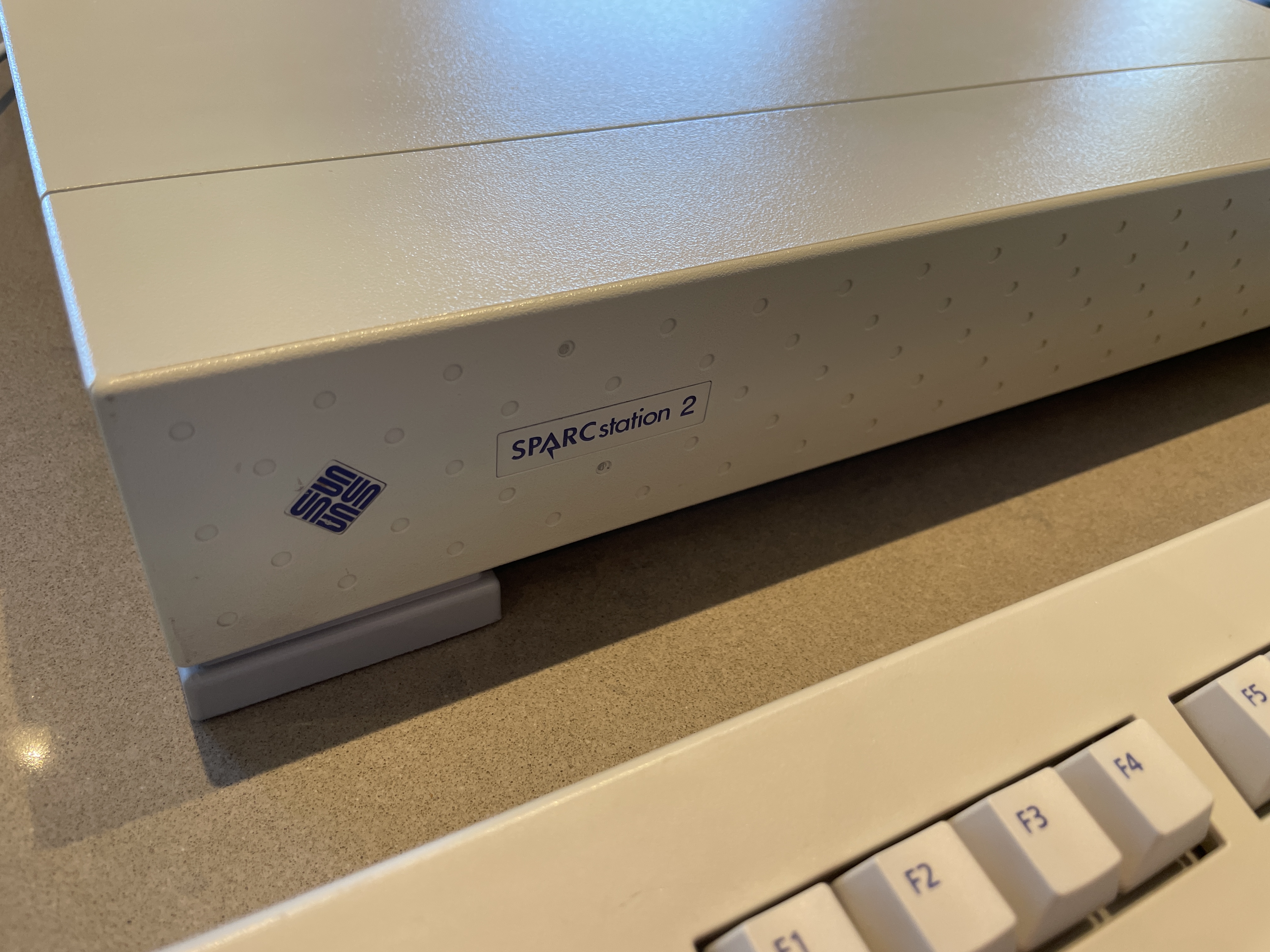
The SPARCstation 2, code-named “Calvin,” was introduced in November 1990 and quickly became one of the most popular Unix workstations of its era. It represented a significant performance leap over the original SPARCstation 1, offering roughly three times the computational power while maintaining the same compact “pizza box” form factor.
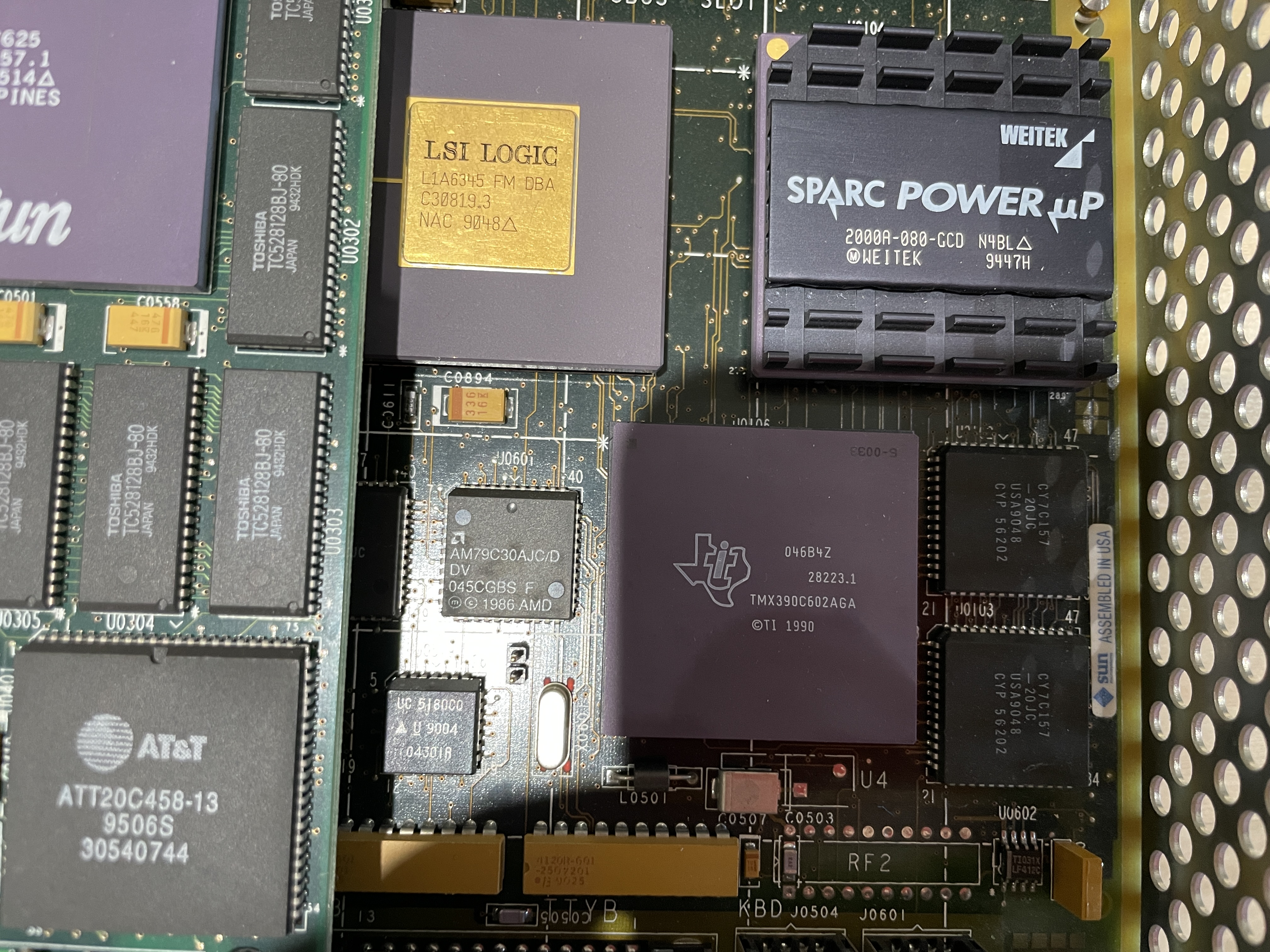
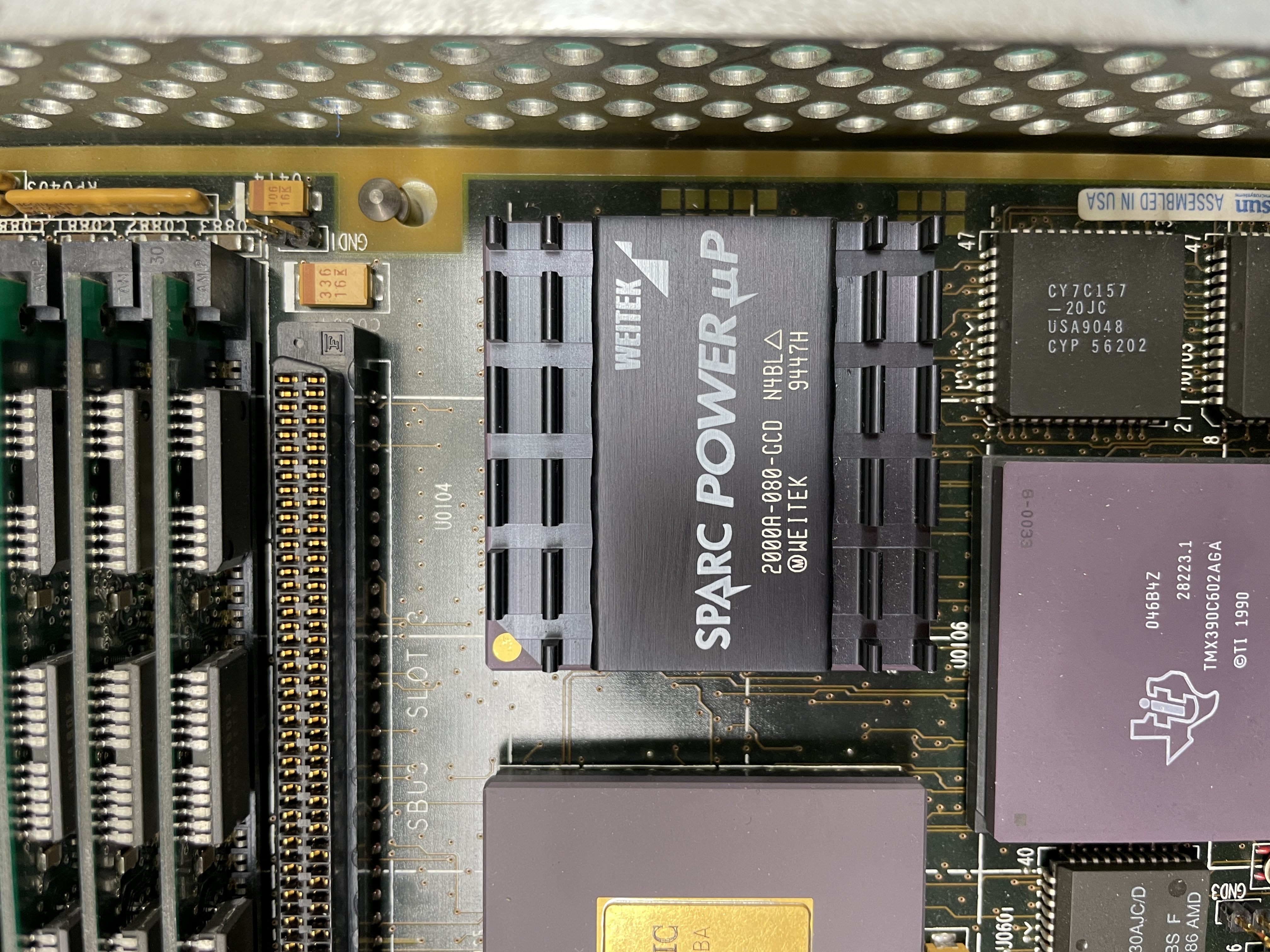
This particular machine has been upgraded with a Weitek PowerUp processor running at 80 MHz, significantly boosting its performance beyond the stock 40 MHz CY7C601 processor. The Weitek upgrade was a popular third-party enhancement that extended the useful life of many SPARCstation 2 systems.
History
The SPARCstation 2 arrived at a pivotal moment in computing history. The early 1990s saw Unix workstations become essential tools in engineering, scientific research, and software development. Sun Microsystems dominated this market, and the SPARCstation 2 exemplified why.
With its 40 MHz processor (upgradeable to 80 MHz with third-party solutions), support for up to 64 MB of RAM, and three SBus expansion slots, the SPARCstation 2 offered an exceptional balance of performance, expandability, and value. It could run SunOS 4.x and later Solaris 2.x, providing a stable Unix environment for demanding applications.
The machine was widely used in universities, research labs, and corporations worldwide. Many engineers who worked in the 1990s have fond memories of these systems, which were often their first exposure to Unix computing.
Background

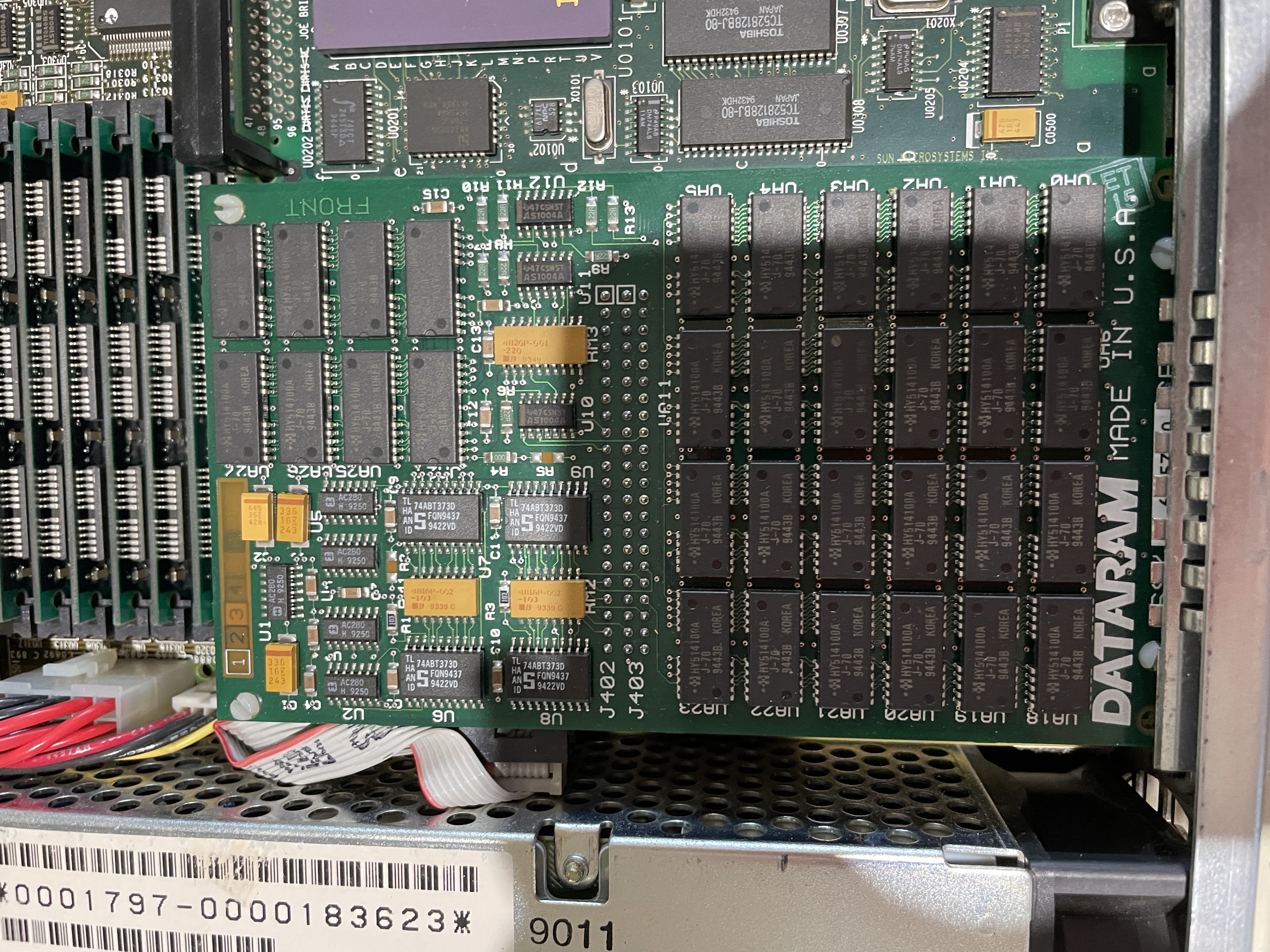
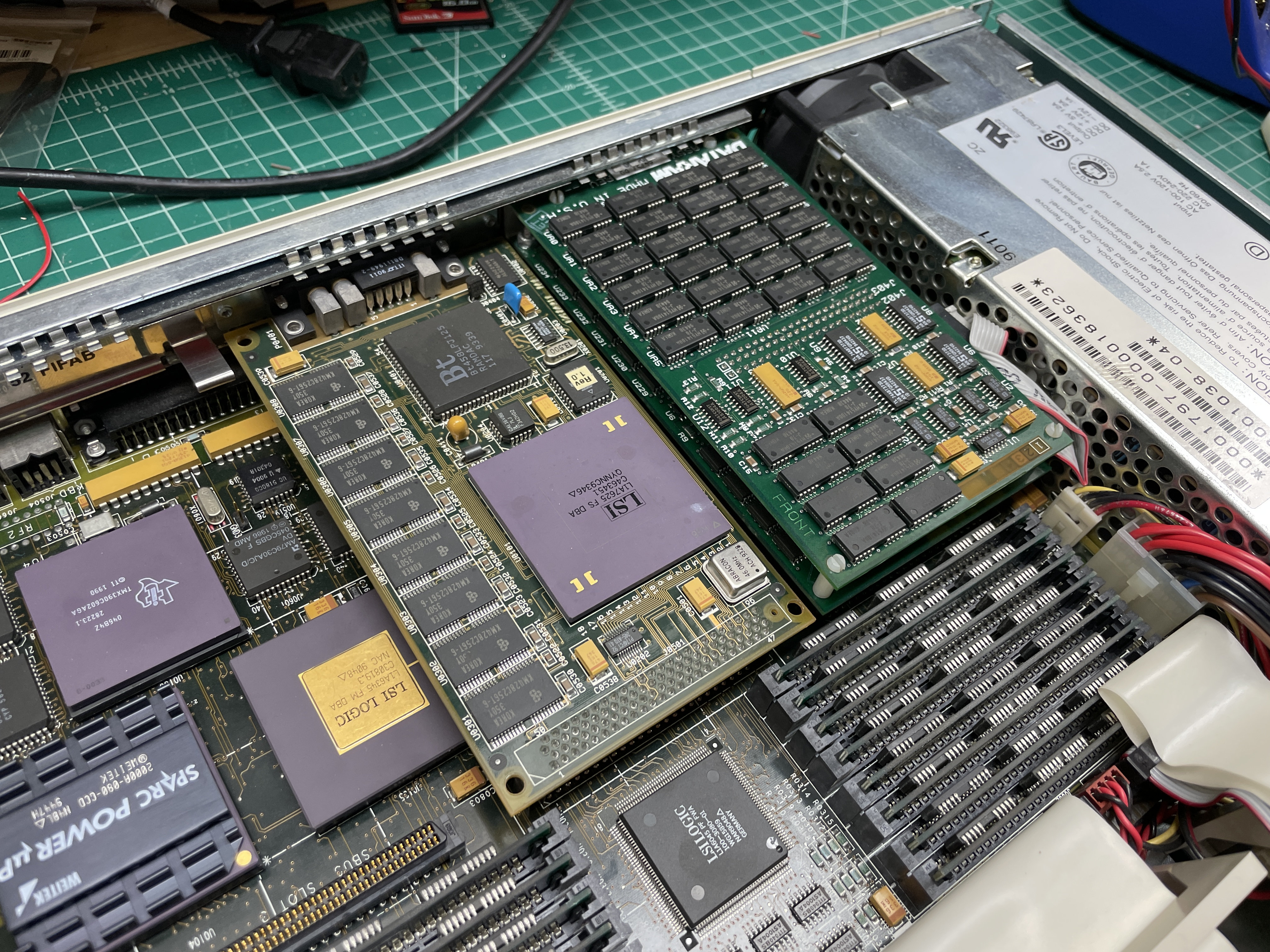
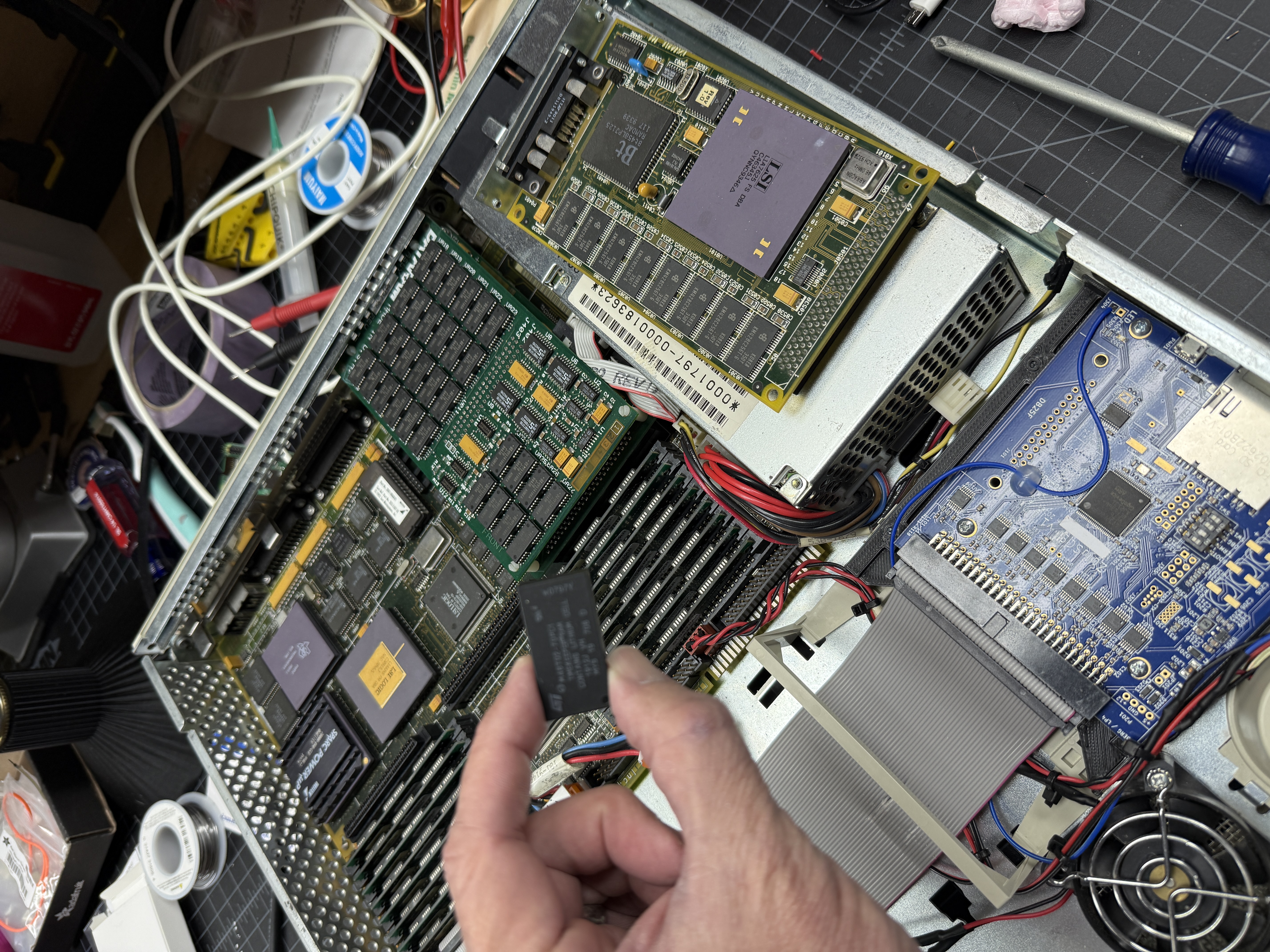
I got this SS2 from a friend online. I had met him in a computer forum as I recall. He too is a collector of Unix machines and I believe I had purchased my Indigo R4400 from him. He was downsizing his collection and told me about his over-the-top SPARCstation 2. It’s a pretty unusual machine as it has two interesting upgrades. First it has 128M of RAM. That’s only made possible via the DataRam 64M SBus card. I had never seen one of these at the time and still to this day it’s the only one I’ve ever seen. The second unusual thing is the Weitek PowerUp processor. Together this is probably about the most capable SS2 around.
Weitek PowerUp Processor

Weitek Corporation was a Sunnyvale, California chip company founded in 1981 by ex-Intel engineers, originally making their name designing floating-point units for high-end workstations and supercomputers. They had been supplying FPUs to Sun since the mid-1980s and held a SPARC license, which put them in a natural position to eventually build a full CPU. In 1993 they did exactly that, announcing the SPARC PowerUp—the name a deliberate play on “power up”—a drop-in replacement for the SPARCstation 2 and IPX processors priced at $1,500.
The chip used a Phase Lock Loop clock doubler to run its internals at 80 MHz while keeping the 40 MHz system bus interface, paired with 16KB of on-chip instruction cache and 8KB data cache—all fabbed on a 0.8-micron triple-layer CMOS process. Installation was genuinely user-serviceable—remove the old CPU, drop in the new one with the extraction tool that Weitek included, no software changes required. With the SS2 and IPX together representing nearly half of Sun’s installed base at the time, it was a smart play on a massive target market.
Performance gains were real but workload-dependent. Weitek claimed up to 1.9x on compute-intensive applications, and their benchmark suite averaged 1.53x—but those numbers reflected best-case scenarios like CAD, finite element analysis, and floating-point heavy compute loops. Real-world gains landed closer to 50-60% overall, since doubling the CPU clock while leaving the system bus at 40 MHz meant the chip was frequently waiting on memory. The on-chip caches helped mask that latency, which is why cache-friendly workloads saw the biggest improvements. Interactive desktop use—window management, general Unix work—saw much more modest gains. Weitek didn’t follow the PowerUp with upgrades for later SPARC generations, instead pivoting to PC graphics silicon, and by the time the chip shipped the SS2 was already approaching end of life. For owners pushing those machines hard on compute-intensive work though, it was a legitimate and elegant solution.
DataRam 64M Above Board Memory

The SPARCstation 2’s motherboard tops out at 64MB of RAM, which by the early 1990s was a genuine constraint for users running memory-hungry workloads like CAD, FEA, and database work. Sun addressed this with an official SBus memory expansion card, but third-party vendors saw the opportunity as well. DataRAM, a US memory manufacturer, produced their own SBus expansion card for the SS2 and IPX that brings total system memory up to 128MB.
The expansion card occupies one of the machine’s SBus slots and connects to a dedicated 8-pin header on the motherboard—an unusual arrangement that reflects the sun4c architecture’s non-standard memory expansion design. The base card carried 32MB, with an additional 32MB available via a mezzanine daughterboard that piggybacks on top, reaching the 64MB expansion ceiling that combined with the motherboard’s 64MB brings the machine to its 128MB maximum.
This machine is equipped with a fully populated DataRAM card, a relatively rare find today. When new, it represented a meaningful investment in extending the useful life of an already capable workstation—the SS2 was the best-selling workstation of 1991, and owners running serious applications had good reason to max out the memory rather than replace the machine outright.
Timekeeper Replacement

Years after acquiring the machine I had to deal with the dead timekeeper. The M48T02 (70ns) timekeeper chips in these machines all fail eventually—roughly every decade, faster in machines that aren’t run regularly.
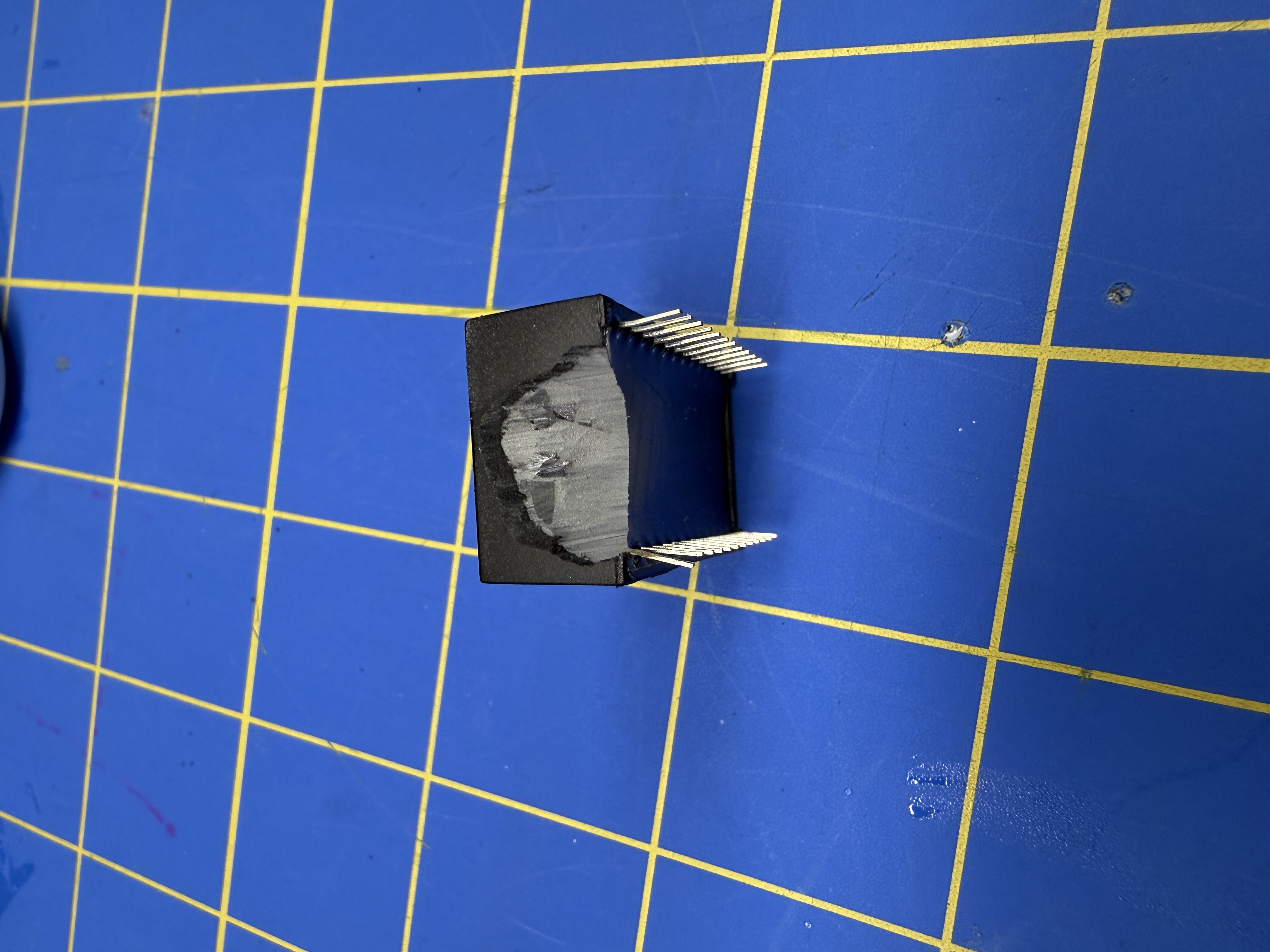
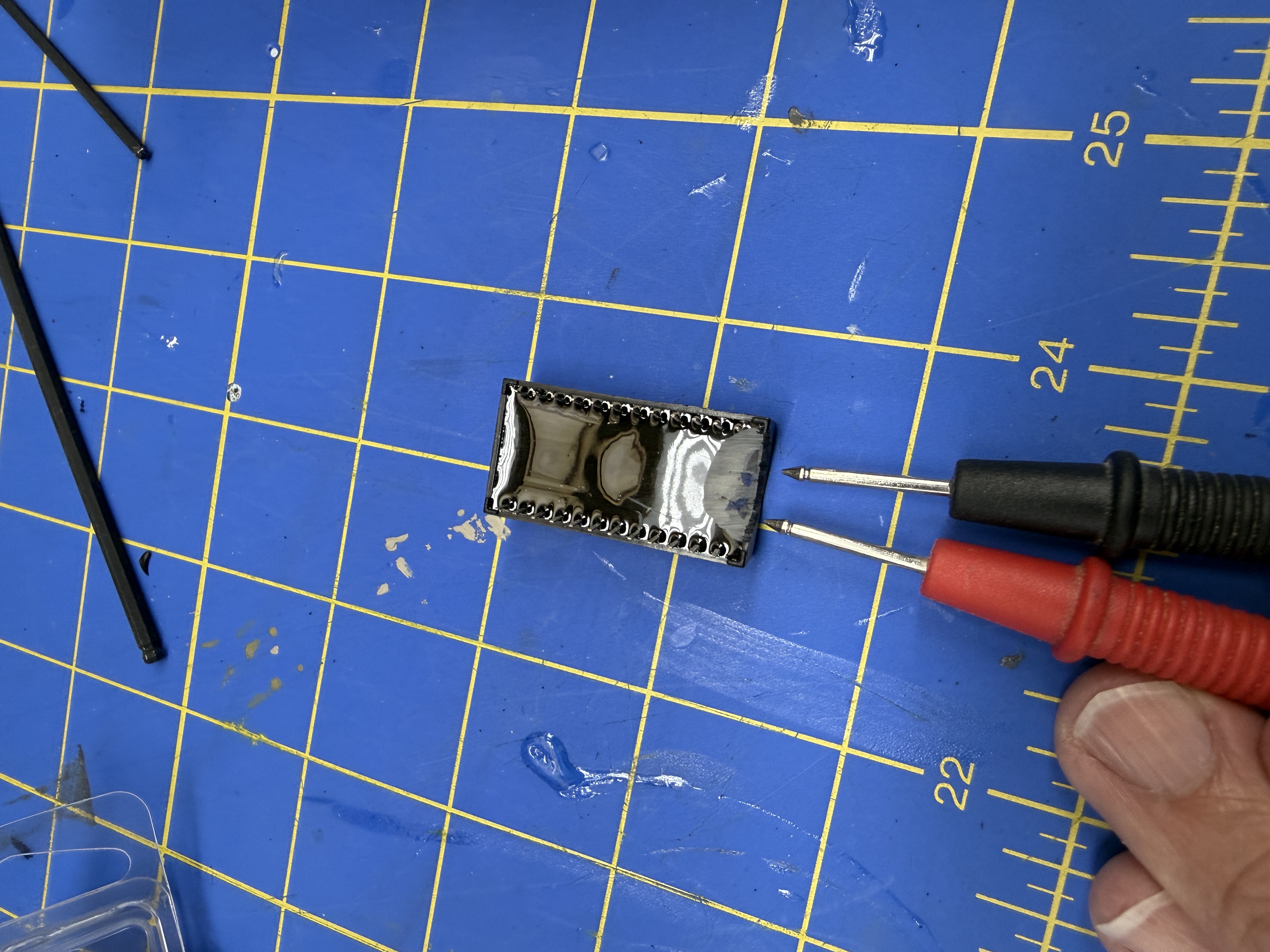
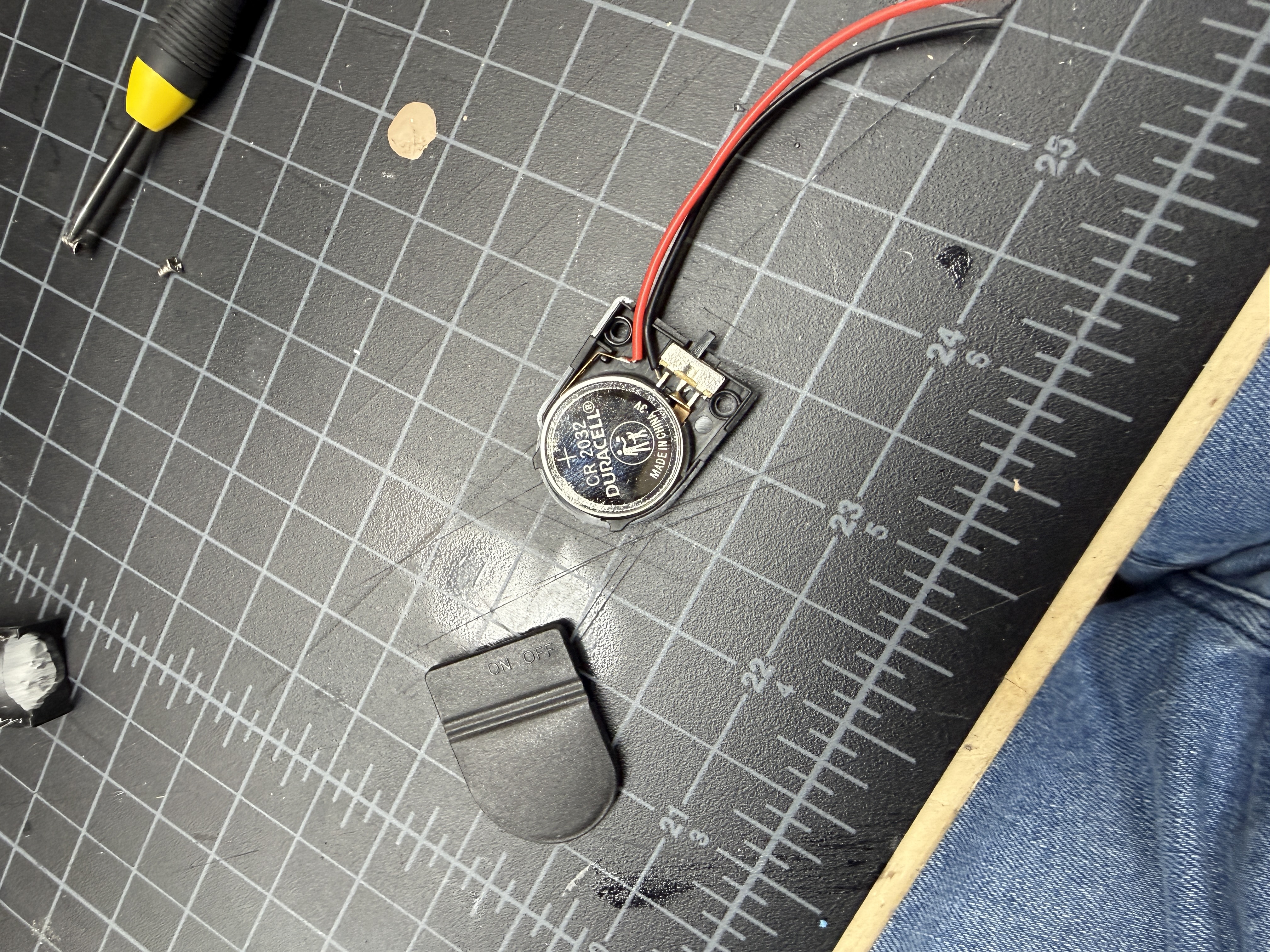
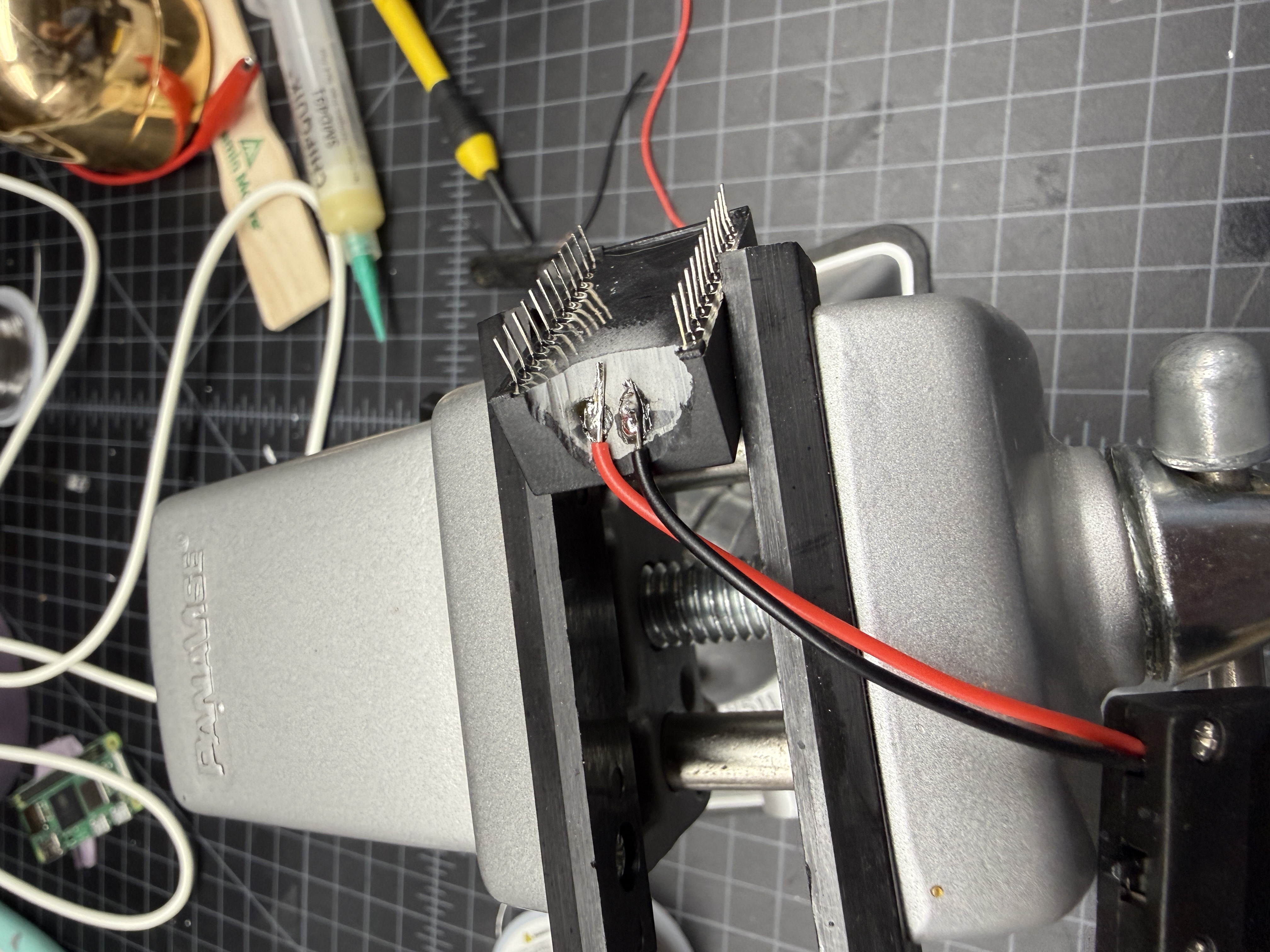
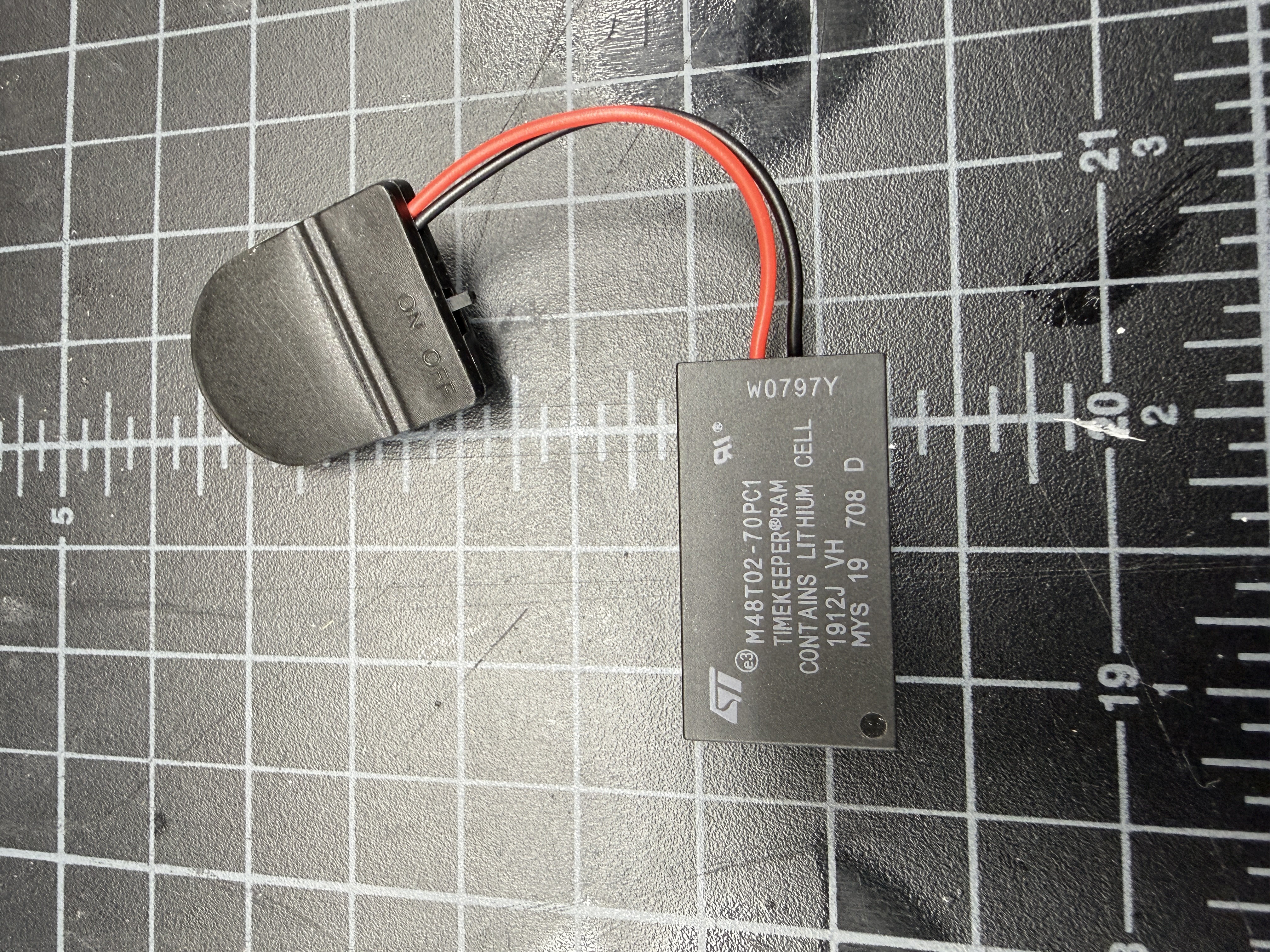
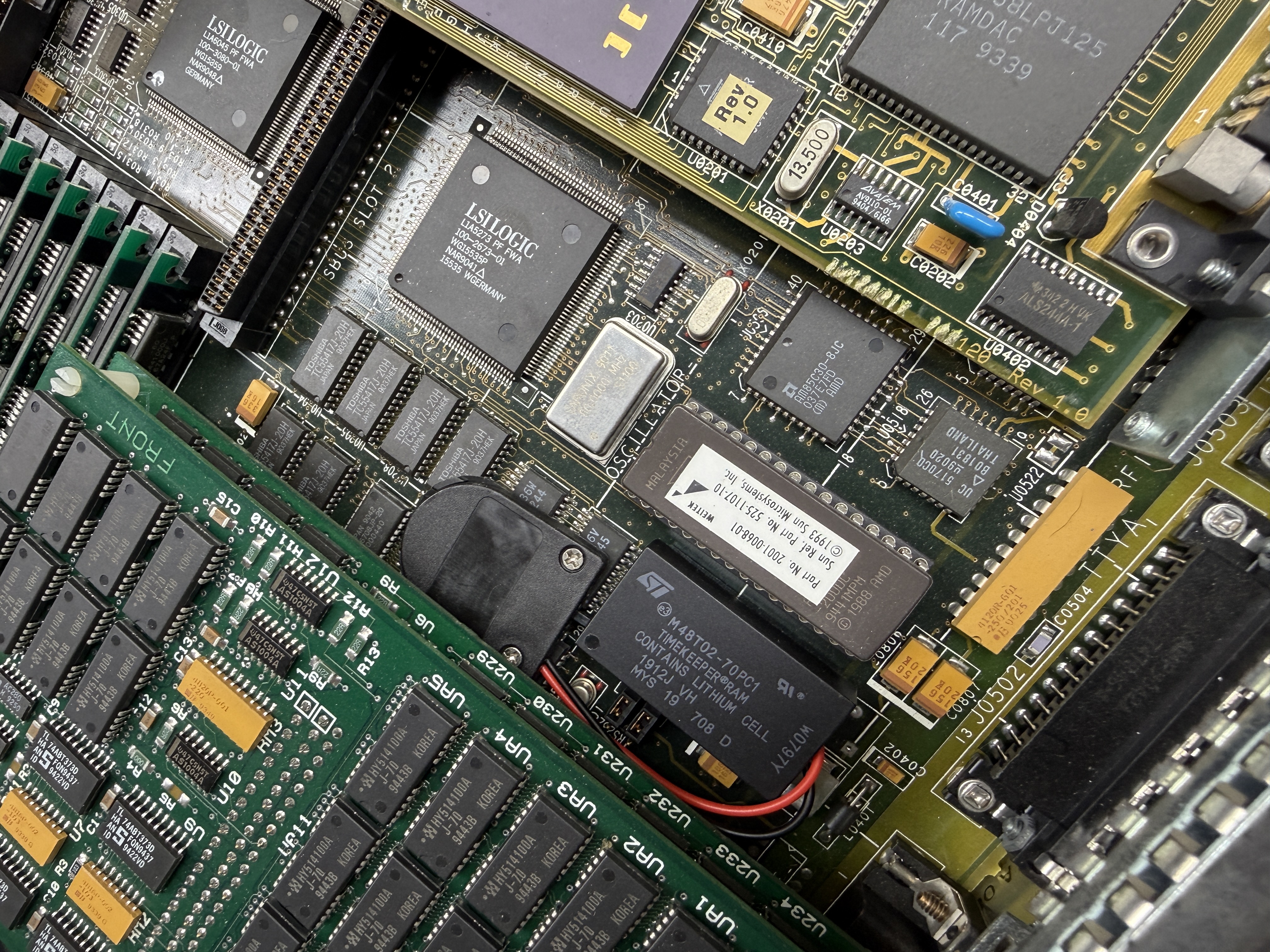
Rather than buying a replacement chip that would eventually fail too, I modified the original to use an external CR2032 coin cell battery. The process involves grinding down the end of the chip to expose the internal battery contacts, then soldering on a coin cell holder. I tucked the battery holder under the memory expansion board where it fits nicely out of the way.
For the complete procedure, see M48T02 Timekeeper External Battery Mod.
PROM Password

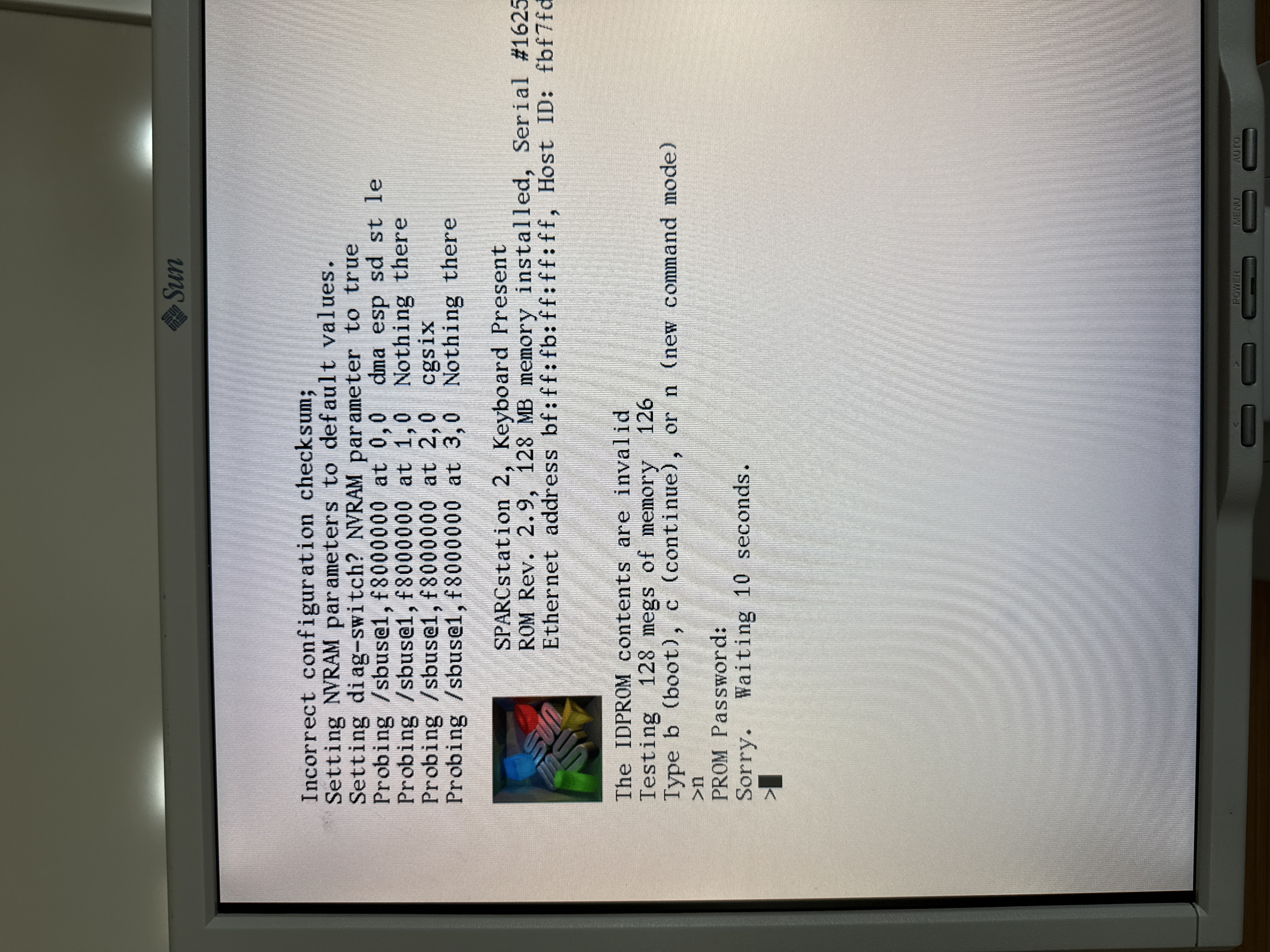
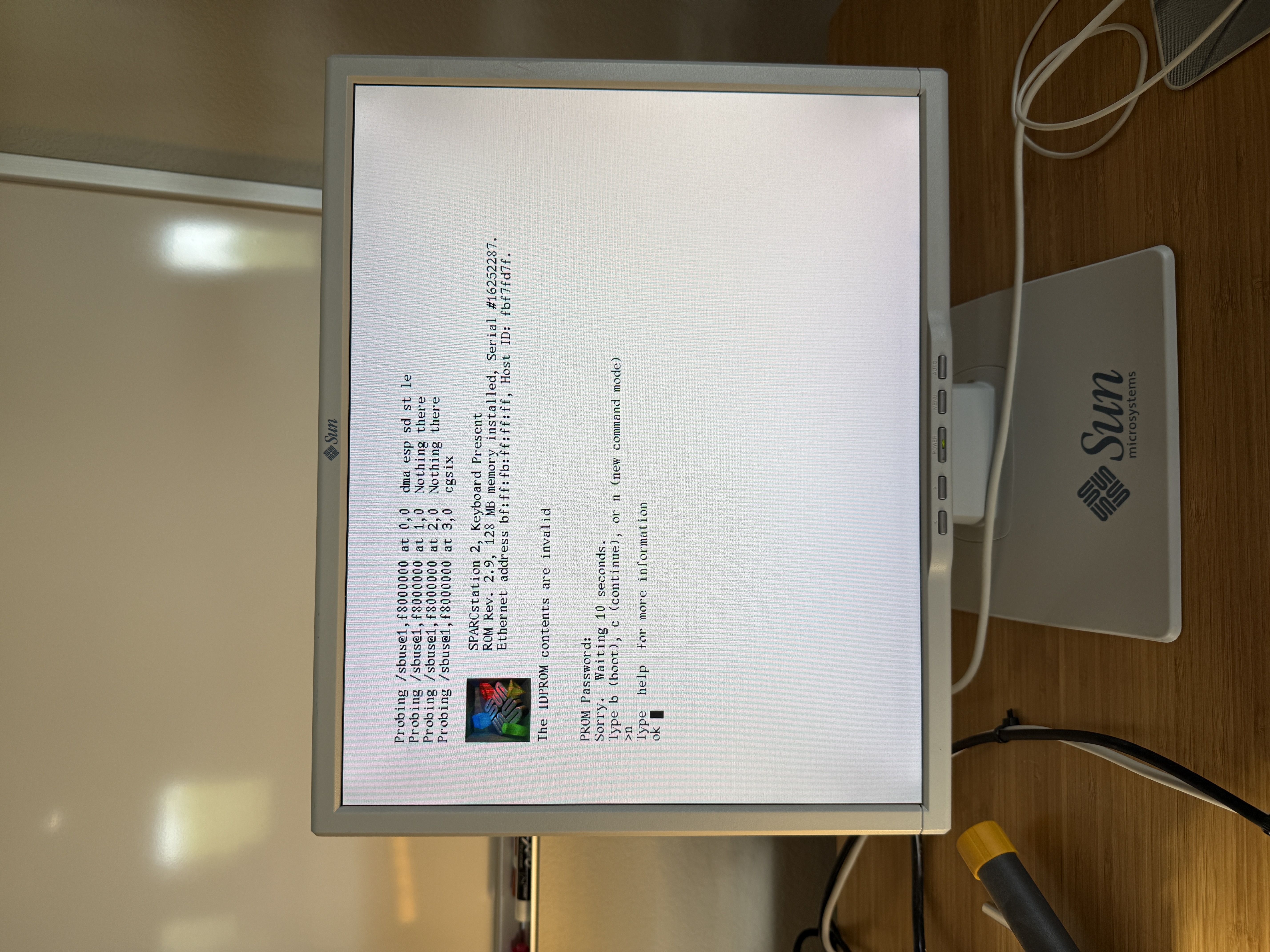
I’ve replaced a lot of timekeeper chips but I’ve never run across the PROM password problem. On SPARCstations you can set an OBP option to not allow the machine to boot without giving a password. After talking with my friend about this he said he never set one. I think it’s likely that memory was just scrambled when the battery was drained so randomly a bit was set.
There are two ways to reset in this case. The first is from the keyboard holding STOP-N during boot. That didn’t work for me. The second is to boot the machine until you get to the PROM password prompt and actually pull the chip out with the machine running. Then hit enter. The machine can’t validate the password and it just lets you in. Then replace the chip and continue on by resetting NVRAM, setting up the machine ID and ethernet address, etc.
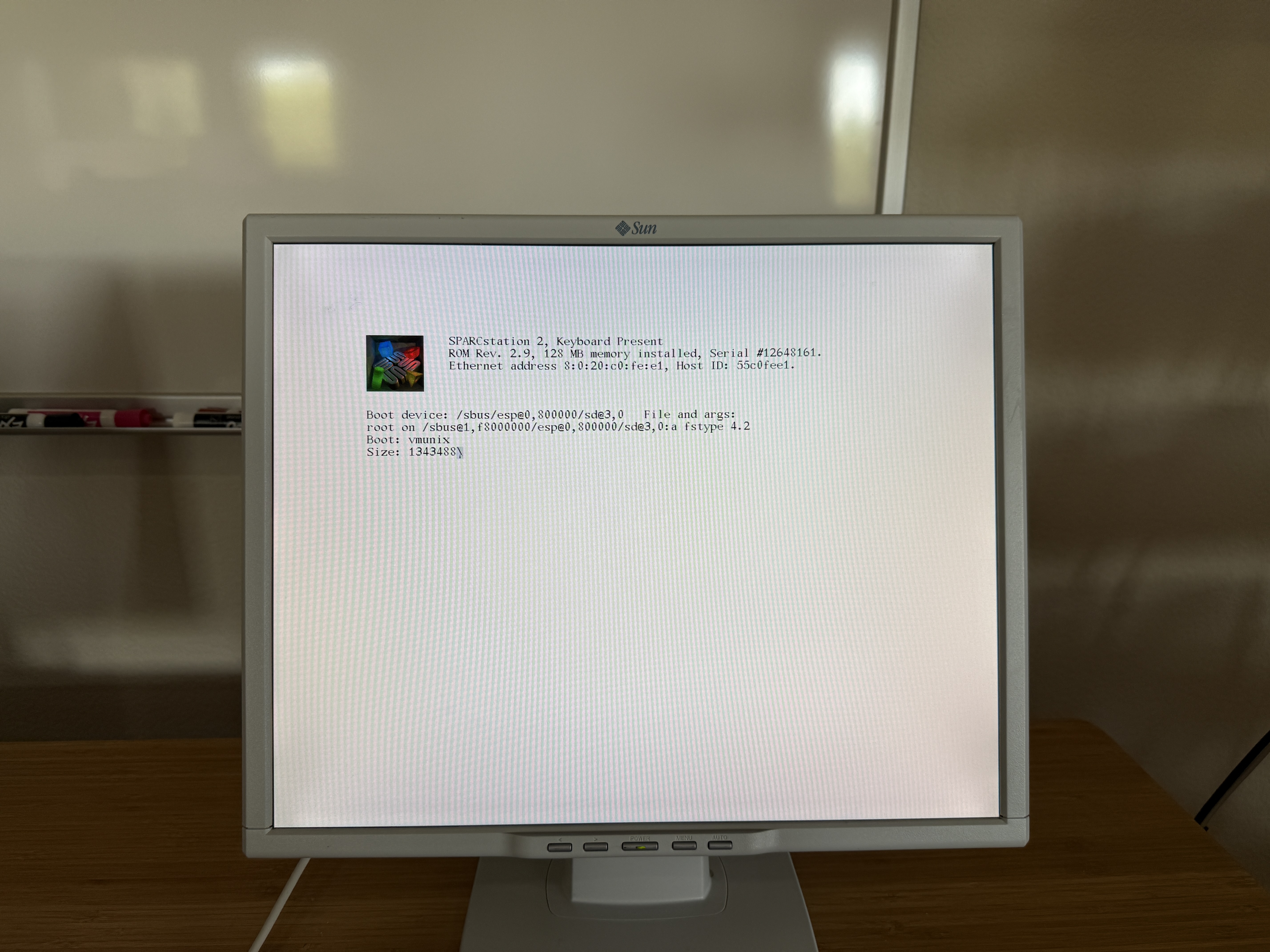
It all worked out fine, but you do get a little anxious pulling and replacing chips with a live system. After replacing the timekeeper you’ll need to reprogram the IDPROM with the correct machine ID and ethernet address. I wrote up the full procedure in Resetting IDPROM on Sun Workstations.
Specifications
| Attribute | Value |
|---|---|
| Release Date | November 1990 |
| Model | 4/75 / Code-named “Calvin” / Serial# 12648243 |
| CPU | Weitek PowerUp @ 80 MHz |
| Architecture | Sun4c / OBP 2.9 |
| RAM | 64Mb + 64Mb above board SBUS RAM |
| OS | SunOS 4.1.4 |
| Graphics | SBus: CG6 TGX+ Single Buffer (2M mappable) 1280x1024@76 |
| Environment | OpenWindows 3.0_414 / X11R5 / X11R6 / Motif 1.2 |
| Disk Image | 2.1 GB SCSI / ZuluSCSI RP2040 |
Useful Documents
- Sun Field Service Manual (PDF) - Sun’s field service manual covering SPARCstation 2 hardware. Includes monitor information and troubleshooting procedures.
Disk Image
A bootable SunOS 4.1.4 disk image is available for this system, configured for use with ZuluSCSI SCSI emulators.
Download: HD3_SunOS_4.1.4_SS2_PROTO_512.img.gz
SHA1: 84a7735b39f69c75d440f85363a4e5d00fcd3f71
For setup instructions, see the ZuluSCSI Disk Images.
Gallery